How to set an album cover in Proton Drive
- Leitura
- 0 min
- Categorias
- Albums
- Proton Drive
You can use any photo as the cover image for an album to make it easier to recognize, personalize your collection, and give your albums a more organized, visual appeal.
Here’s how you can set an album cover using the web, Android, and iOS apps:
Web app
- Using the Drive web app(nova janela), go to Photos → Albums.
- Open an album and then a photo.
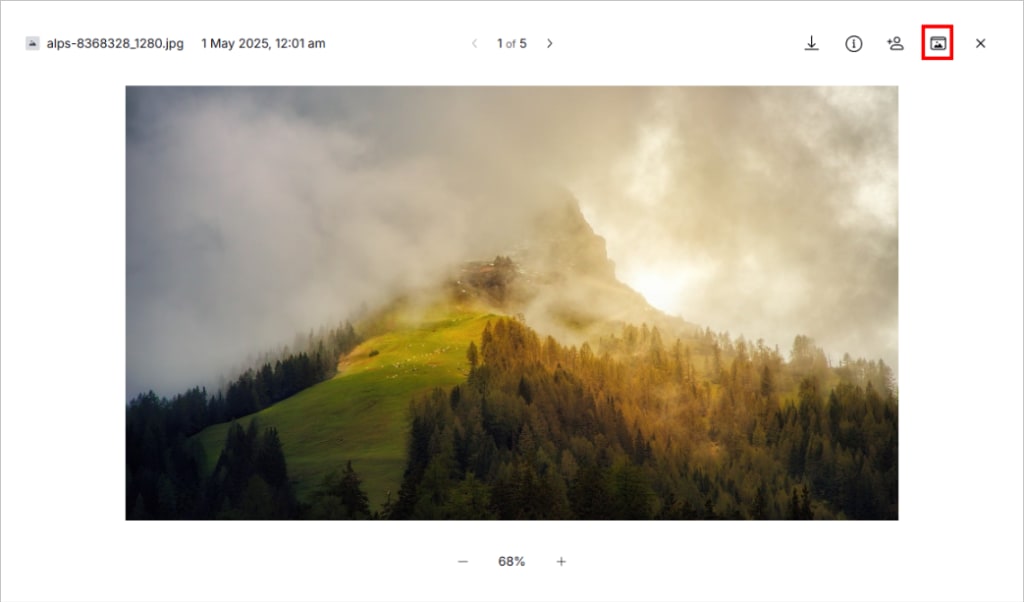
- Click Set as album cover (folder icon) on the top right.
Android and iOS
- Go to Photos → Albums.
- Open an album.
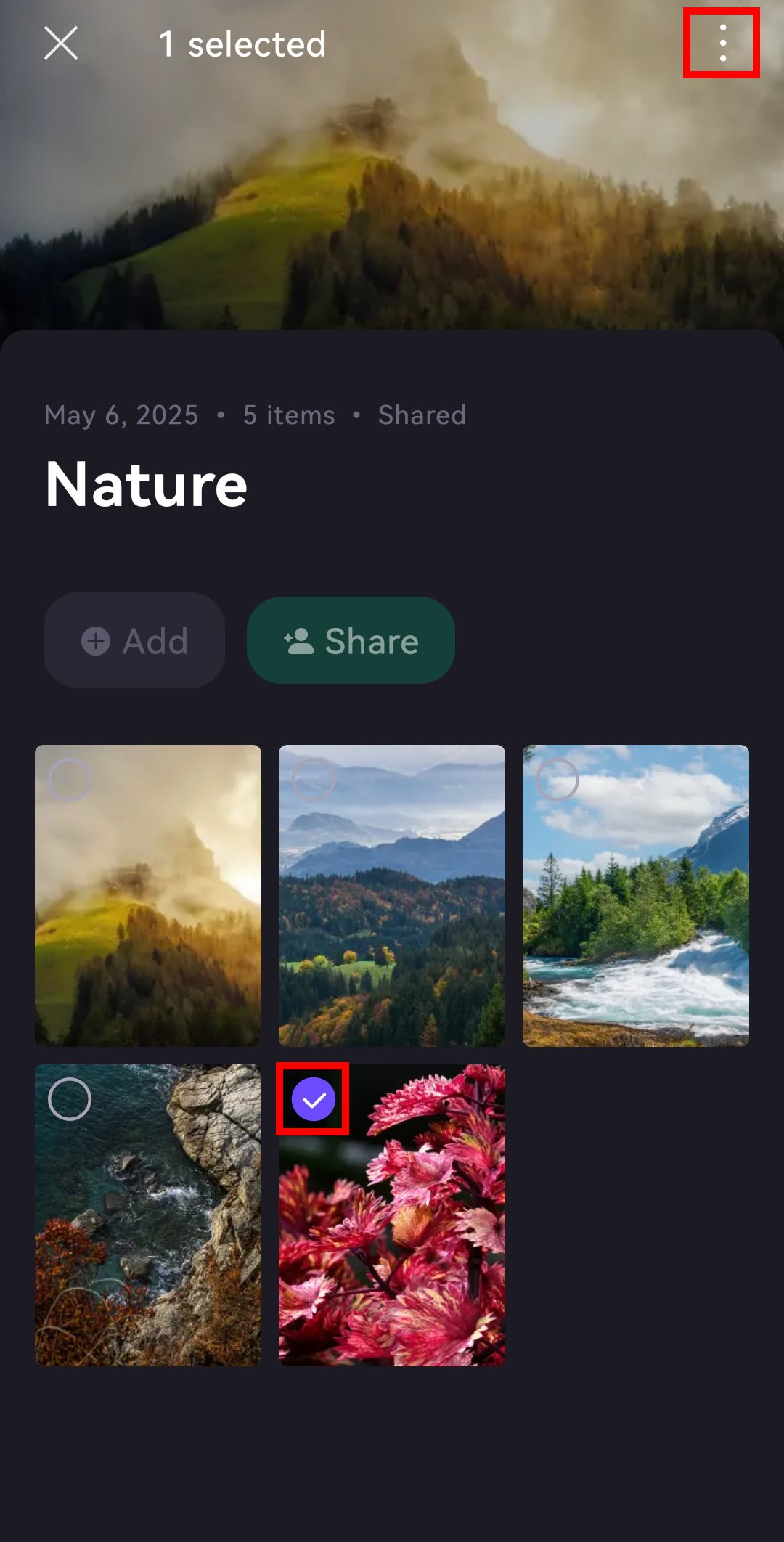
- Open a photo or long-press and select one.
- Tap ⋮ or ….
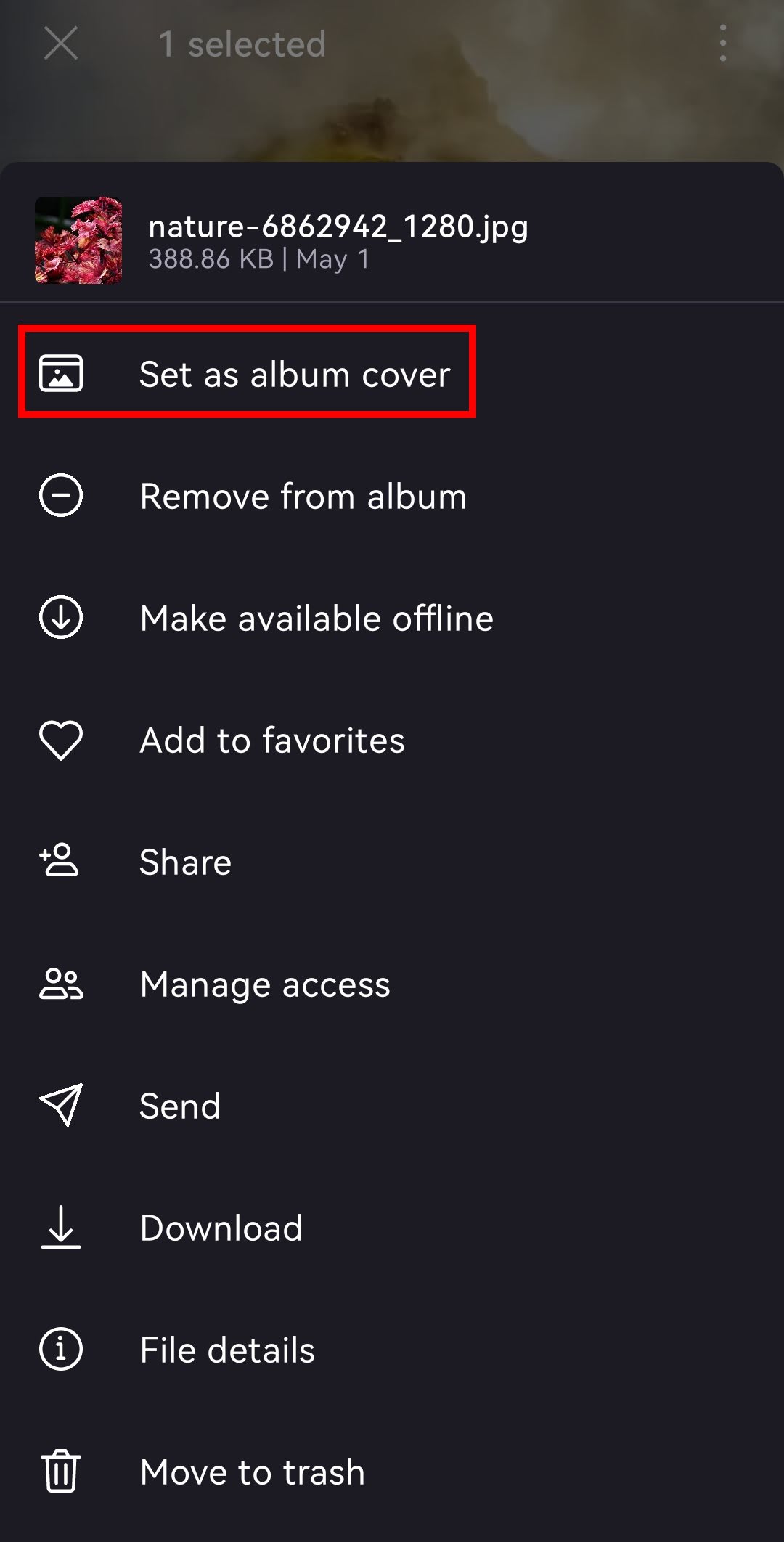
- Choose Set as album cover.